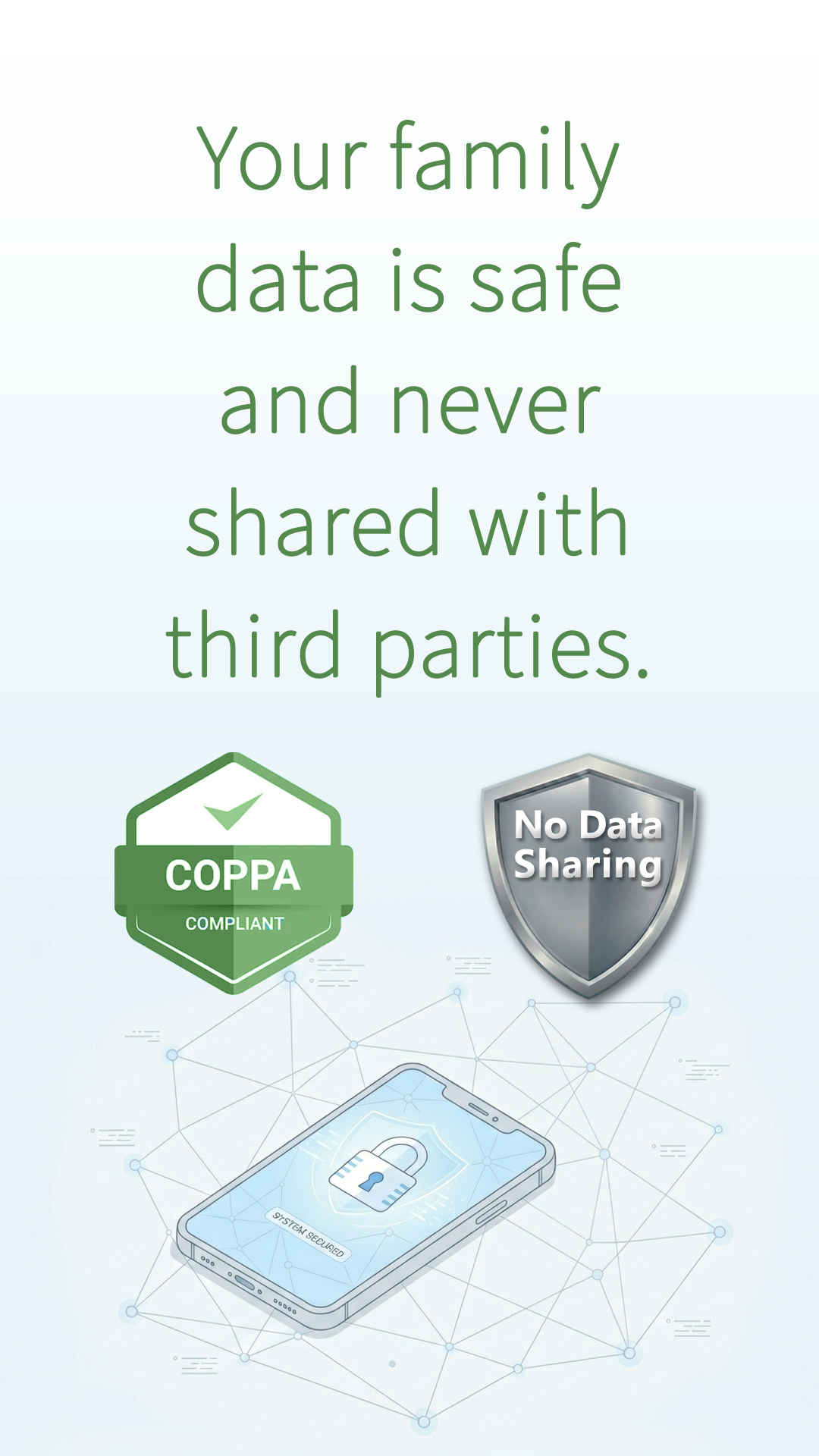
A privacy-first application for those who want to keep their family data secure from third parties.
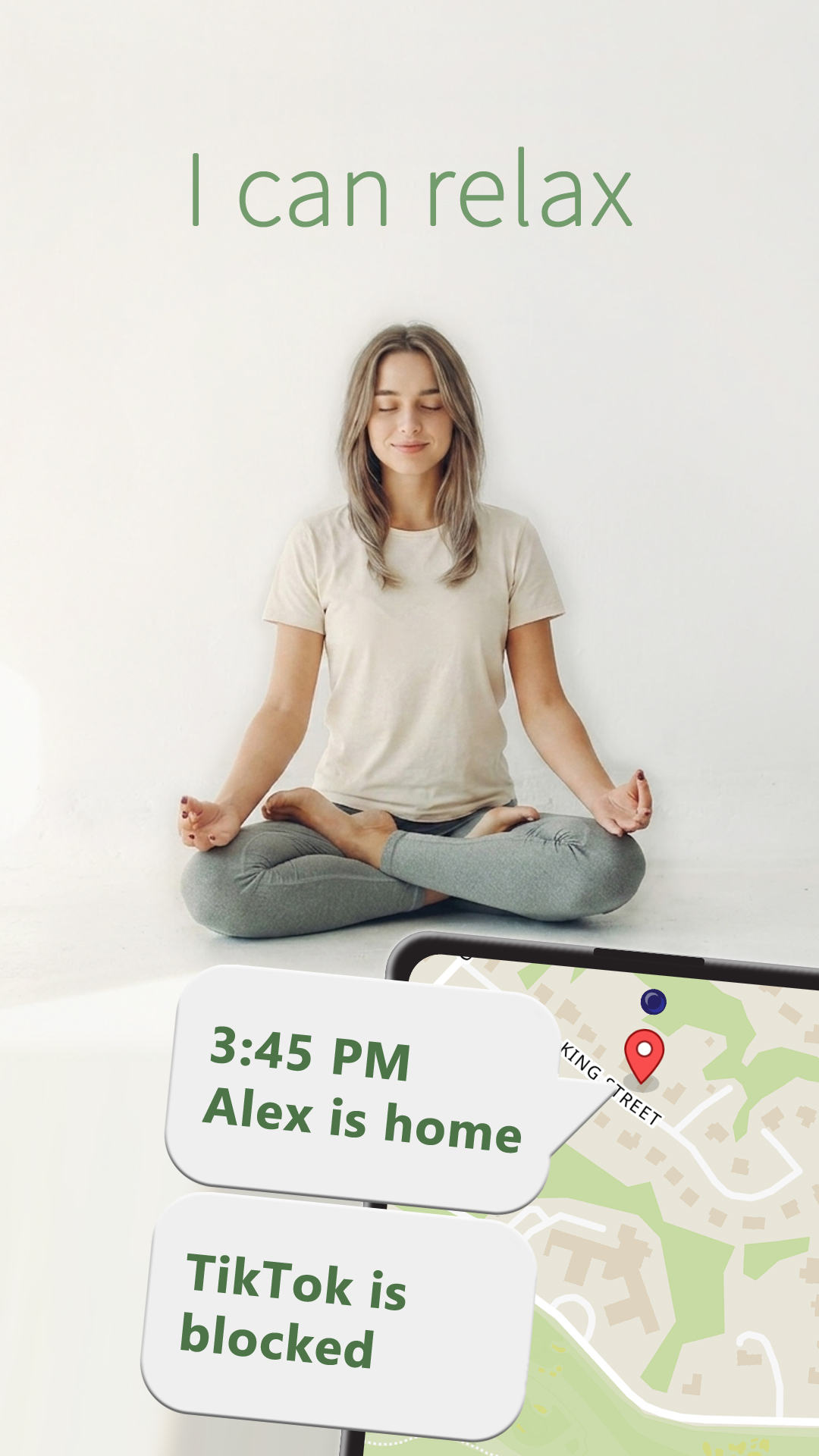
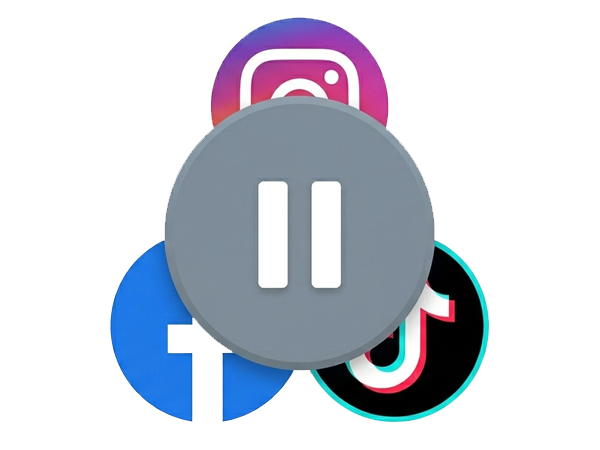
Focus & Safety: Block distracting apps or set daily time limits. Ensure your child stays focused on studies and gets enough sleep by managing screen time remotely. Total control in your hands.
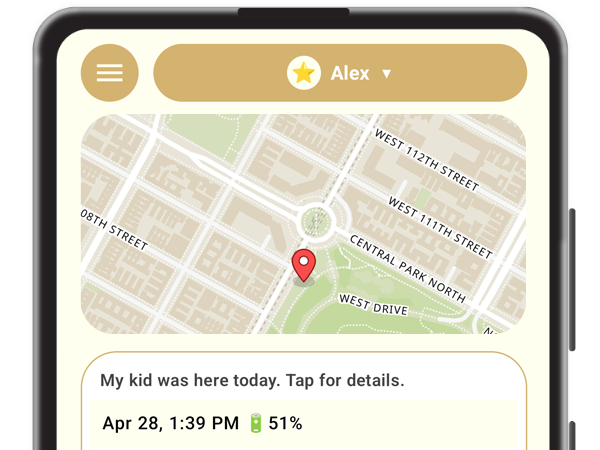
Get precise updates on your child’s location. Even if they’re indoors, our smart tracking keeps you connected. Peace of mind is just a glance away—anytime and anywhere.
Our tracking app is designed to be ultra-efficient. By waking up for just a few seconds every 10-15 minutes, it provides real-time updates while barely consuming your child's phone energy.
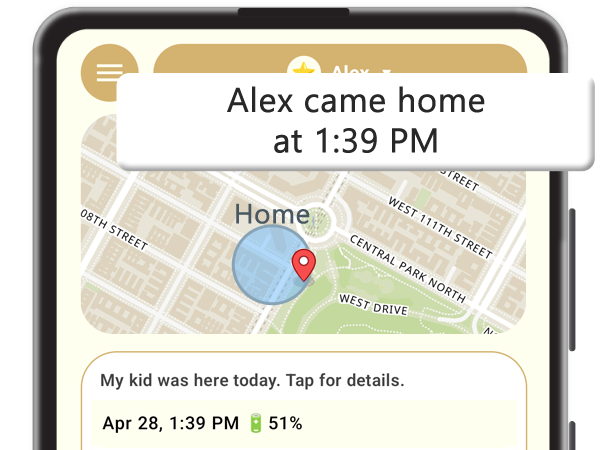
See when and where they come and go. Get instant alerts, adjust zone sizes, and create unique zones for each family member with selective notifications.
You can try KidOnMap application for free for 8 days and then decide which plan best fits your family's needs.
Our parenting app is designed with a focus on data sovereignty. This policy explains how this tracking app handles location information.
Our parenting app must be used with separate application NAmigo which is designed to be simple companion for your Kid. This policy explains how NAmigo tracking app handles your information.
Our parenting app operates on a Freemium model, which includes a comprehensive 7-day free trial period to ensure the service meets your needs before any purchase.
Refunds are handled in accordance with Google Play's Refund Policy.
You have full control over your subscription at any time.
How to cancel: You can cancel your subscription at any time in your Google Play settings. After cancellation, you will retain access to premium features until the end of your current billing period.
Once you request account deletion in the app, we'll try to handle the cancellation request on our end, but manually stopping it is the safest way to ensure you aren't charged again after your account is deleted.
By using this tracking app, you agree to these terms.
Important: The current and most up-to-date version of these terms is always available on this page.
Last updated: April 30, 2026
This parenting app is intended for personal family safety use only.
Accuracy of this tracking app depends on your device's GPS and network availability.
We only store your child's name and their location history.
Here's how to delete your kid's account and location data: In NAmigo, open the '🧩 Menu' and tap '🔑 Account Management'. When prompted, enter your 12-digit pairing code (available in KOM under 'Add A Child') and press 'Wipe Data'. If you confirm we will immediately delete all of your child's data, including their name and location history.
We store your email, name, a custom role (e.g., Mom, Dad), and geofence data (custom addresses and GPS coordinates). If you request data removal, we will first ask you to manually cancel your subscription in Google Play. Once you confirm this is done, we will also send a request to Google’s servers to cancel the subscription on our end.
You will have **72 hours** to change your mind and cancel the removal request. After 72 hours, all your data—including your name, email, role, and geofences—will be permanently deleted.
If you are the "admin" of a child's profile and no other parents are connected, the NAmigo app will stop working for that child. If the child is connected to another "non-admin" parent, that parent will automatically become the new "admin" and NAmigo will continue to function; however, any geofences you created will be removed from the NAmigo destination list.
To delete your data in KOM, follow these steps: Tap Menu > 🔑My Account > 🧹Delete My Account and agree to the terms. Next, tap the Google Play link to cancel your subscription. Once finished, mark 'I have stopped my Google Play subscription' and tap Delete. In 72 hours your account will be deleted.
To cancel the deletion of your account in KOM, follow these steps: Tap Menu > 🔑 My Account > 🎉 Keep My Account.
